
Why Your Website Is Not Ranking on Google
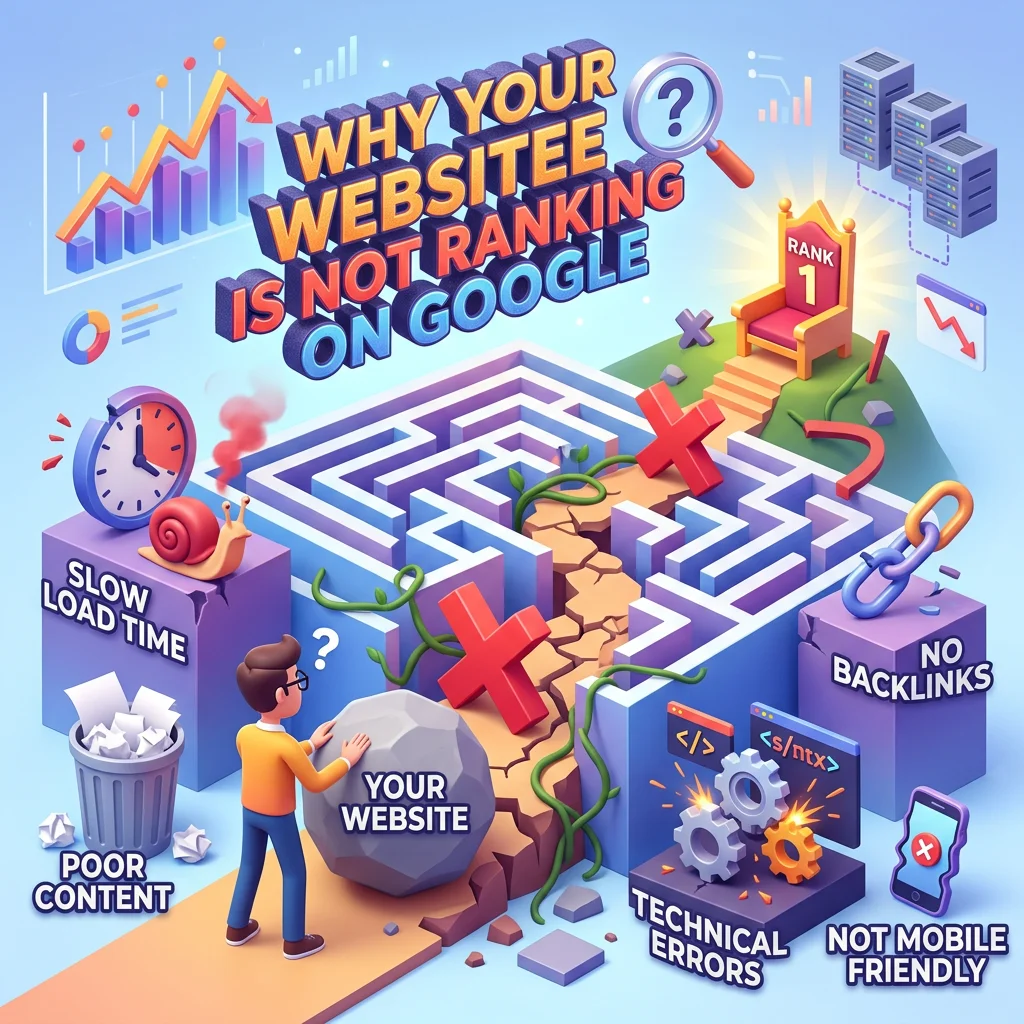
With the right SEO startegies you can improve your website’s visibilities and reach more people on google .Have you created a website but cannot find it on Google? You may have written blog posts, added images, and published your services, yet your website still receives very few visitors. This can be frustrating, especially when you have spent time and effort building it.
The problem is not always your website design. Google needs to discover your pages, understand their content, and decide whether they are useful for a particular search. Several issues can affect this process.
The good news is that you can investigate these issues step by step. Here are seven common reasons why your website may not be ranking on Google and what you can do about them.
Google Has Not Indexed Your Website
One possible reason is that Google has not added your page to its search index. If a page is not indexed, it generally cannot appear as a normal result in Google Search.
You can start by searching Google for “site:yourdomain.com”, replacing the example with your actual domain name. This may show pages from your website that Google has indexed.
If your page does not appear, open Google Search Console and use its URL Inspection tool to check the page’s status. You can request indexing when appropriate, but this does not guarantee that Google will index the page.
New websites and recently published pages may need time to be discovered. Therefore, check the page’s status before making unnecessary changes.
Your Content Does Not Answer the Search
Imagine someone searches for “how to improve website SEO.” They want clear advice that they can understand and use. If your article only talks about the importance of SEO without explaining what to do, it may not fully meet their needs.
Before writing a blog post, think about the question behind the search. What does the reader want to learn? What problem are they trying to solve?
Organise your article around that need. Explain the topic in simple language, provide practical examples, and remove sentences that add little value.
Useful content should help readers understand the subject without forcing them to search for the same answer elsewhere. This is more valuable than writing an article simply to include a target keyword.
You Are Targeting the Wrong Keywords (if your website is not ranking)
Keywords help you understand the words people use when searching online. However, choosing a keyword only because it sounds popular can lead to poor results.
For example, a new website offering local SEO services may struggle to compete for a broad search term such as “SEO.” A more specific topic related to local businesses may better match its audience.
This does not mean that every specific keyword will be easy to rank for. Competition, search intent, and the quality of competing pages still matter.
Use Google Search Console to review the queries that already bring impressions to your website. You can also use keyword research tools to discover related questions and compare possible topics.
Choose keywords that match your services and the information you can genuinely provide. Avoid repeating the same phrase unnaturally throughout your article.
Your Website Has Technical Problems (if your website is not ranking)
Sometimes, the problem is technical rather than related to writing.
Google needs to access a page before it can properly process its content. Settings such as a “noindex” directive can prevent a page from being indexed. Access restrictions, server errors, and incorrect technical settings can also create problems.
If you use WordPress, check that your website is publicly accessible. Review the search engine visibility setting under Settings and Reading, and make sure you have not accidentally discouraged search engines from indexing the site.
You should also check the page in Google Search Console. The URL Inspection tool can help identify whether Google can access the page and whether it has been indexed.
Do not change technical settings without understanding their purpose. If you are unsure about a setting, investigate it before editing it.
Your Website Is Difficult to Use on Mobile (if your website is not ranking)
Many people browse websites on mobile phones. If your text is too small, buttons are difficult to tap, or important information is hidden, visitors may struggle to use your website.
A website can look attractive on a computer but still have problems on a phone.
Open your website on different screen sizes. Check whether the main heading is readable, the menu works properly, images fit the screen, and contact details are easy to find.
Page speed is also worth checking. Large images, unnecessary plugins, and poorly optimised files may slow down a page.
Tools such as Google PageSpeed Insights can help you identify performance issues. Start with the most important problems rather than trying to change every setting at once.
A better mobile experience helps visitors use your website more comfortably, although it does not guarantee higher rankings.
Your Website Has Few Useful Internal Links (if your website is not ranking)
Internal links connect one page of your website to another. They help visitors discover related information and provide search engines with additional ways to find your pages.
For example, a blog post about keyword research could link to another article explaining on-page SEO. A services page could link to a relevant guide that helps potential customers understand the service.
These links should be useful and relevant. Avoid adding links simply to increase their number.
Review your website structure and check whether important pages can be reached through your navigation or relevant links from other pages. Make sure that links work correctly and use descriptive text so readers know what to expect.
A clear website structure makes it easier for people to explore your content.
You Expect Results Too Quickly (if your website is not ranking)
SEO is not an instant process. Even after you correct a problem, changes in search visibility may take time.
A new blog post may receive few impressions at first. This does not automatically mean the article is poor or that your SEO strategy has failed.
Instead of checking rankings repeatedly every day, use Google Search Console to review performance over a suitable period. Look at impressions, clicks, search queries, and the pages that attract attention.
If a page receives impressions but few clicks, review whether its title and description clearly explain what readers will find. If it receives almost no impressions, investigate indexing, keyword relevance, and competition.
Make changes based on evidence rather than guessing. Allow enough time to evaluate their effect, and remember that rankings can change for reasons outside your control.
A Simple SEO Checklist
Before publishing your next blog post, review these points:
- Confirm that the page can be accessed by search engines.
- Check its indexing status in Google Search Console.
- Choose a topic that answers a real reader question.
- Write a clear title that accurately describes the content.
- Organise the article with useful headings and short paragraphs.
- Add relevant internal links where they help the reader.
- Test the page on a mobile phone.
- Review performance and improve the content when necessary.
You do not need to complete every possible SEO task before publishing. Focus first on the issues that could prevent Google from accessing the page or prevent readers from getting value from it.
Final Thoughts
If your website is not ranking on Google, do not assume that you need to rebuild everything. The cause may be related to indexing, keyword selection, content quality, technical settings, or the time required for SEO improvements to become visible.
Start by checking the page’s indexing status. Then review whether the content answers the intended search, whether the website works well on mobile, and whether visitors can navigate it easily.
SEO works best as an ongoing process of understanding, testing, and improving. There is no guaranteed shortcut to the first position on Google.
Focus on creating helpful pages, fixing real problems, and measuring the results. Over time, this approach can give your website a stronger foundation for search visibility.
for more information, read the google seo guide
contactCONTACT